
Landing and next-year budget
Firm up the expected landing line by line, copy it into next year's budget, adjust in quantity × price, then freeze the approved version. Exchange rates are fixed with it.
An application carries its budget, its documentation, its projects and its compliance data. Ask Plaid, the built-in AI agent, about all of it. Open source, free to self-host.
Built for IT teams across industries Share your story
Hosted trial · sample data loaded in a minute · AGPL v3, full source on GitHub.
 KANAP
KANAP 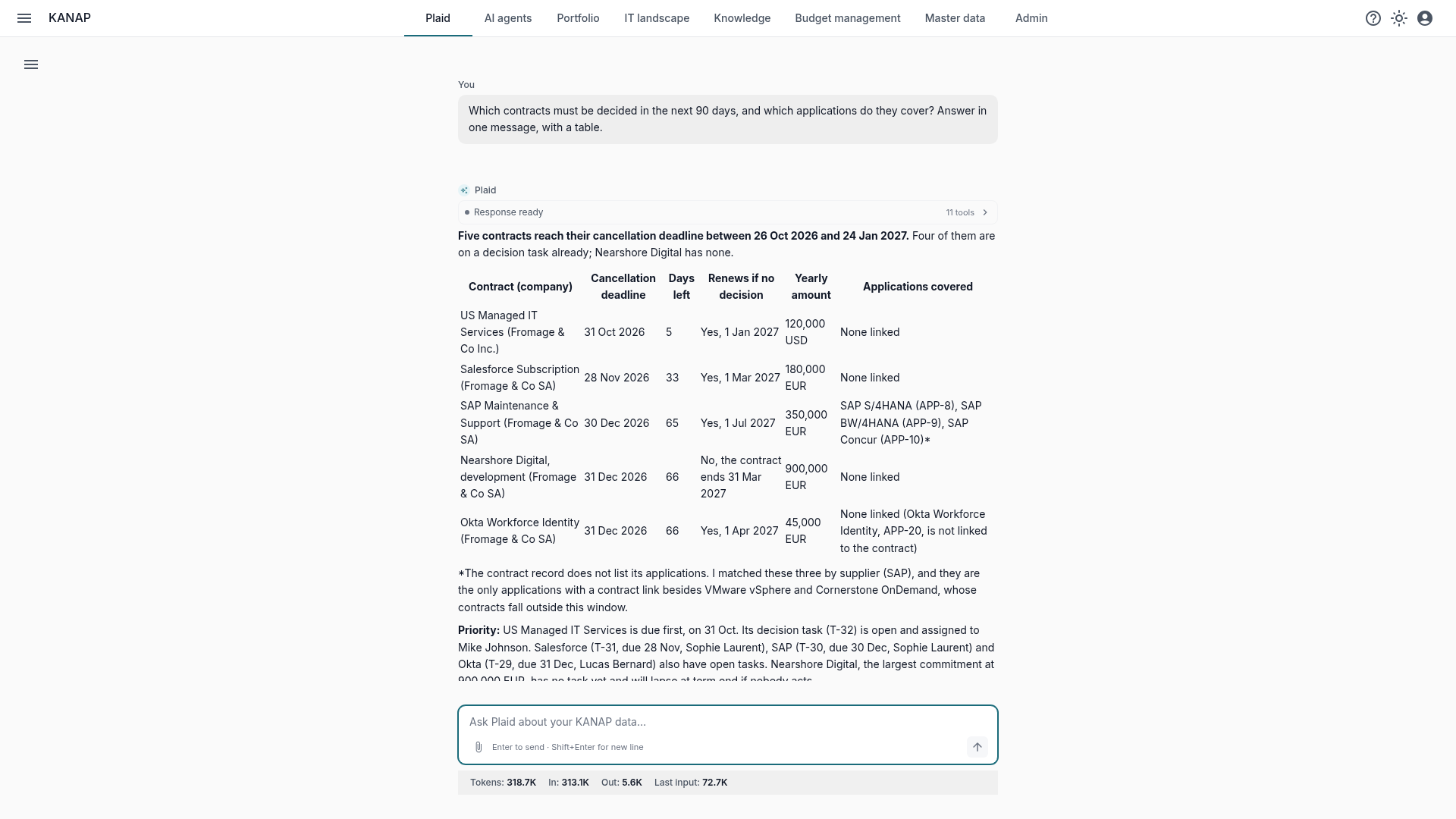
Multi-year OPEX and CAPEX, in columns you name: budget, revision, expected landing. Copy a version to next year, compare it with the previous one, freeze it once approved.
Firm up the expected landing line by line, copy it into next year's budget, adjust in quantity × price, then freeze the approved version. Exchange rates are fixed with it.
Allocate every line across companies, departments and cost centers, charge back with clear rules, analyze by analytics dimension and consolidate on your chart of accounts.
Declare FTE on the lines that carry people: KANAP derives monthly staffing and cost per FTE, as an amount or a daily rate, next to the amounts.
Every line is attached to its application, contract or project: from the budget, you find what IT runs and what each piece costs.
Every OPEX or CAPEX item links to its applications, contracts, suppliers and projects. You know what you pay for, and why.
Its record gathers its environments, interfaces, servers, contracts and spend: enough to decide on rationalization from facts.
Yearly amount, auto-renewal, notice period, a computed cancellation deadline and the linked budget lines: renewals are prepared before the deadline, not after.
Every module works on its own: start with the budget, add the landscape, the portfolio or the documentation when you are ready. They all work on the same record.
For the CIO and finance partners. Multi-year budget, landing and next-year budget, chargeback, consolidation, staffing. Numbers your CFO can check.
For architects, application owners, infrastructure and security teams. Applications, technologies and servers documented, vulnerabilities and end of support traced to the business application.
For project managers and IT leads. Score demand, build a roadmap that respects capacity, follow projects through delivery.
For the whole team, support and operations first. Runbooks, decisions and architecture notes, reviewed, versioned and linked to the applications and projects they describe.
For every role. Ask a question in plain language about the budget, the landscape or the projects: Plaid answers from the whole record and prepares changes, which you approve.
For support teams. The agent reads each ticket of your service desk (GLPI today) against your applications and documentation, and proposes a reply, an internal note or a ticket update.
The modules share the same data, the same permissions and the same audit log: a change prepared by Plaid is recorded like any other.
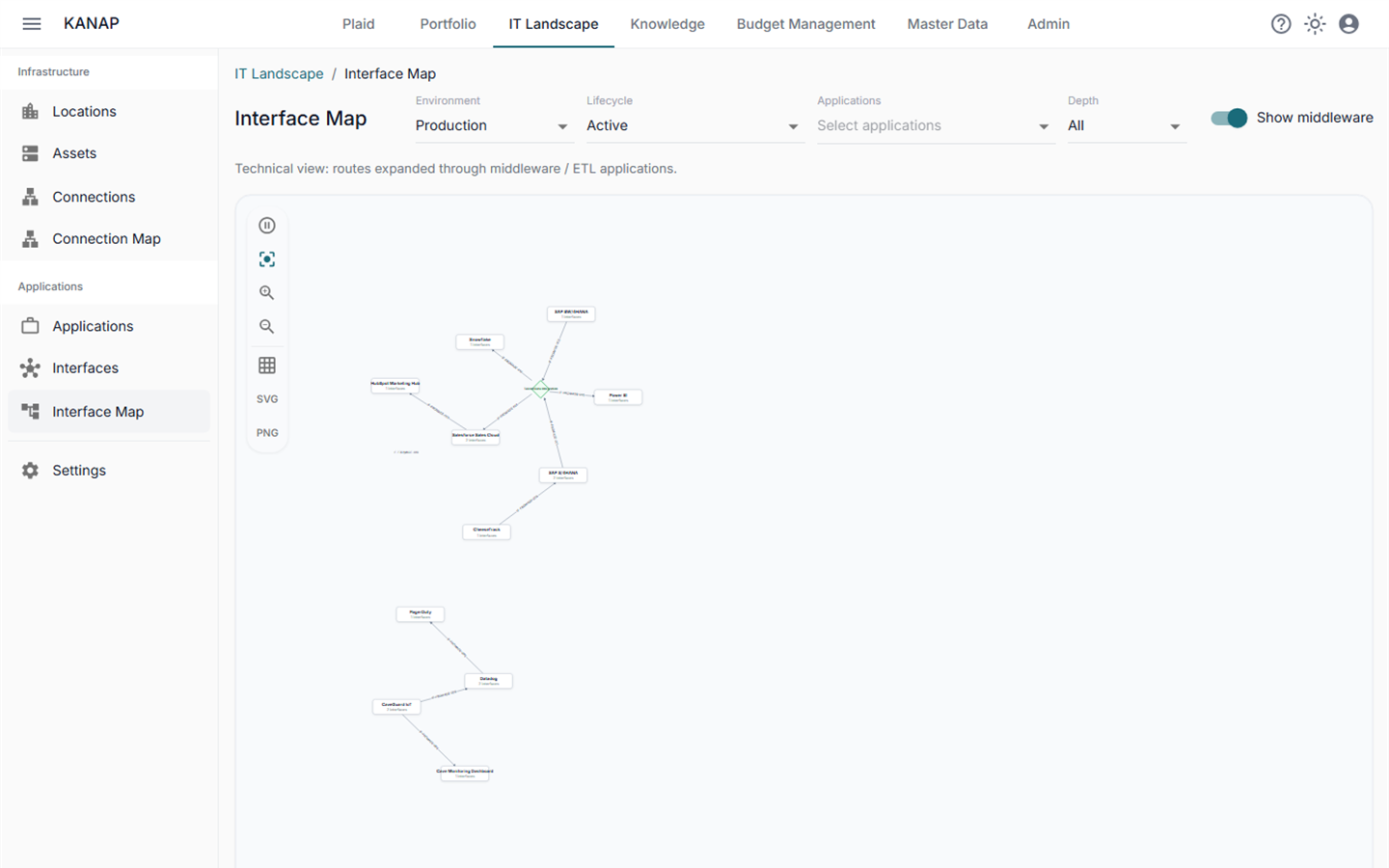
Costs linked to applications, applications to contracts, projects and servers, documentation to everything.
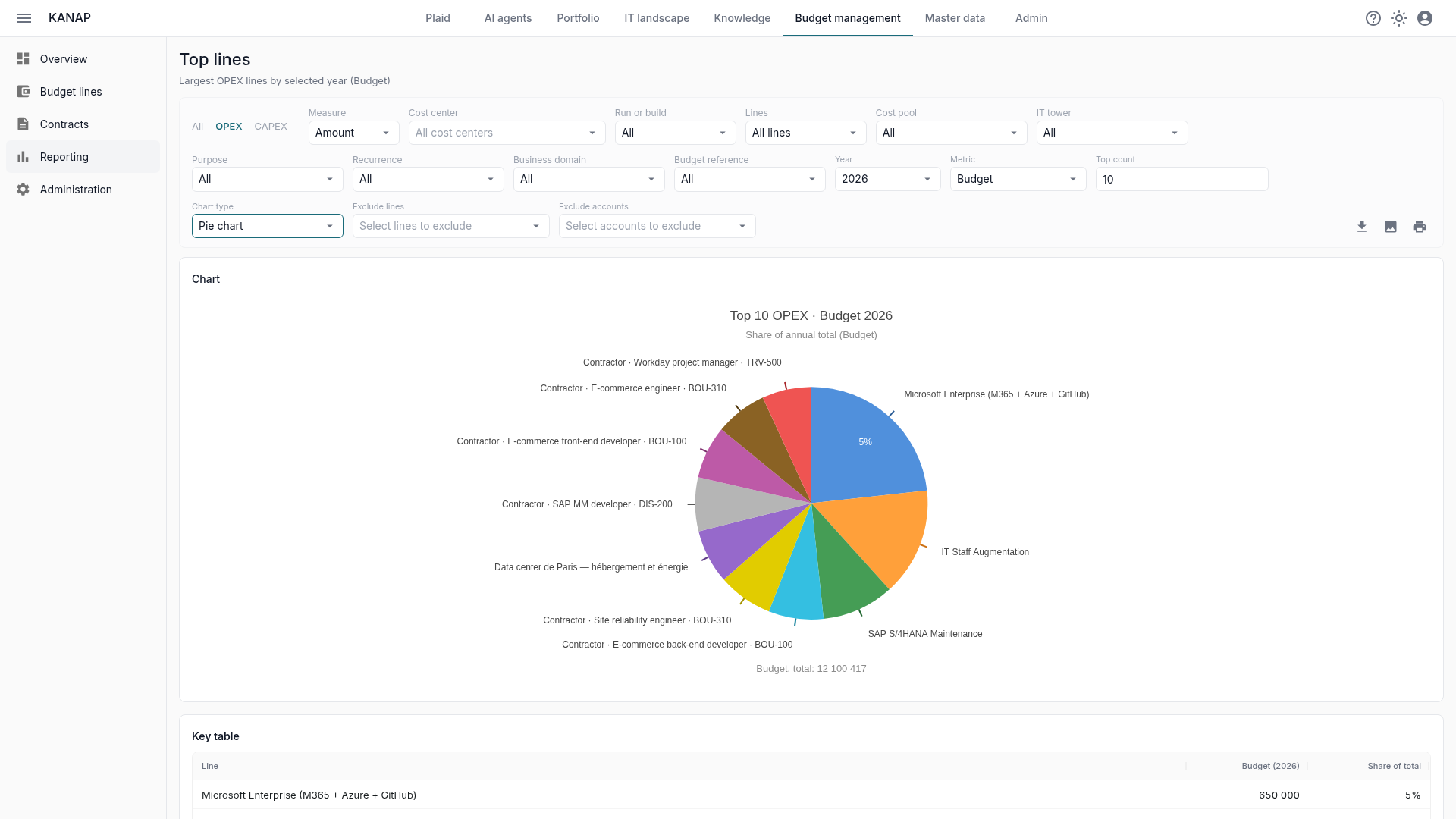
Ready-made budget reports, trends, version comparisons, CSV and PNG exports.
Several companies, several currencies, rates fixed when the budget is frozen, and consolidation on your chart of accounts.
Fine-grained permissions per module: reader, contributor, member, administrator.
Every change logged, including those made through Plaid, with before and after. Agent actions have their own activity history.
Enterprise single sign-on: one identity across the organization.
An AI assistant is only as good as the data it sees. In KANAP it sees the budget, applications, contracts, projects and documentation at once, so it can answer "why is the landing drifting on infrastructure?" or "which applications depend on this contract?".
It prepares the changes, you approve them. Nothing changes without you, and everything is logged.
Try hosted KANAP with sample data, or deploy it for free on your own servers. Same product, no feature paywall.